Class 15: Interactive Web Application Design Patterns
- Review: Last Class
- Design Patterns
- Interactive Web Application Design Patterns
- Key Design Principles
Review
Review: Primary Database Operations
Create - Insert new documents into a collection.
Read - Query and retrieve documents from a collection.
Update - Modify existing documents in a collection.
Delete - Remove documents from a collection.
// Find all documents that are not "Galaxy"
db.space.find({ name: { $ne: "Galaxy" } })
Project 2: Community Events SPA
For your second project you will design and implement an interactive community events single-page application using the MERN stack. For this project, you may only use the methods taught in this course.
The idea for this project to encourage community engagement by providing a platform for community members to discover and participate in local events. However, community engagement is not a strict requirement for this project. You may create an events web application for any type of events you like regardless of whether it promotes community engagement.
Design Patterns
Interactive Web Applications
Source: Smashing Magazine
Design Pattern
A recurring, reusable solution that can be applied to solve a design problem.
Why Employ Design Patterns? Familiarity. Familiar design helps supports the user by leveraging their prior experience with similar designs.
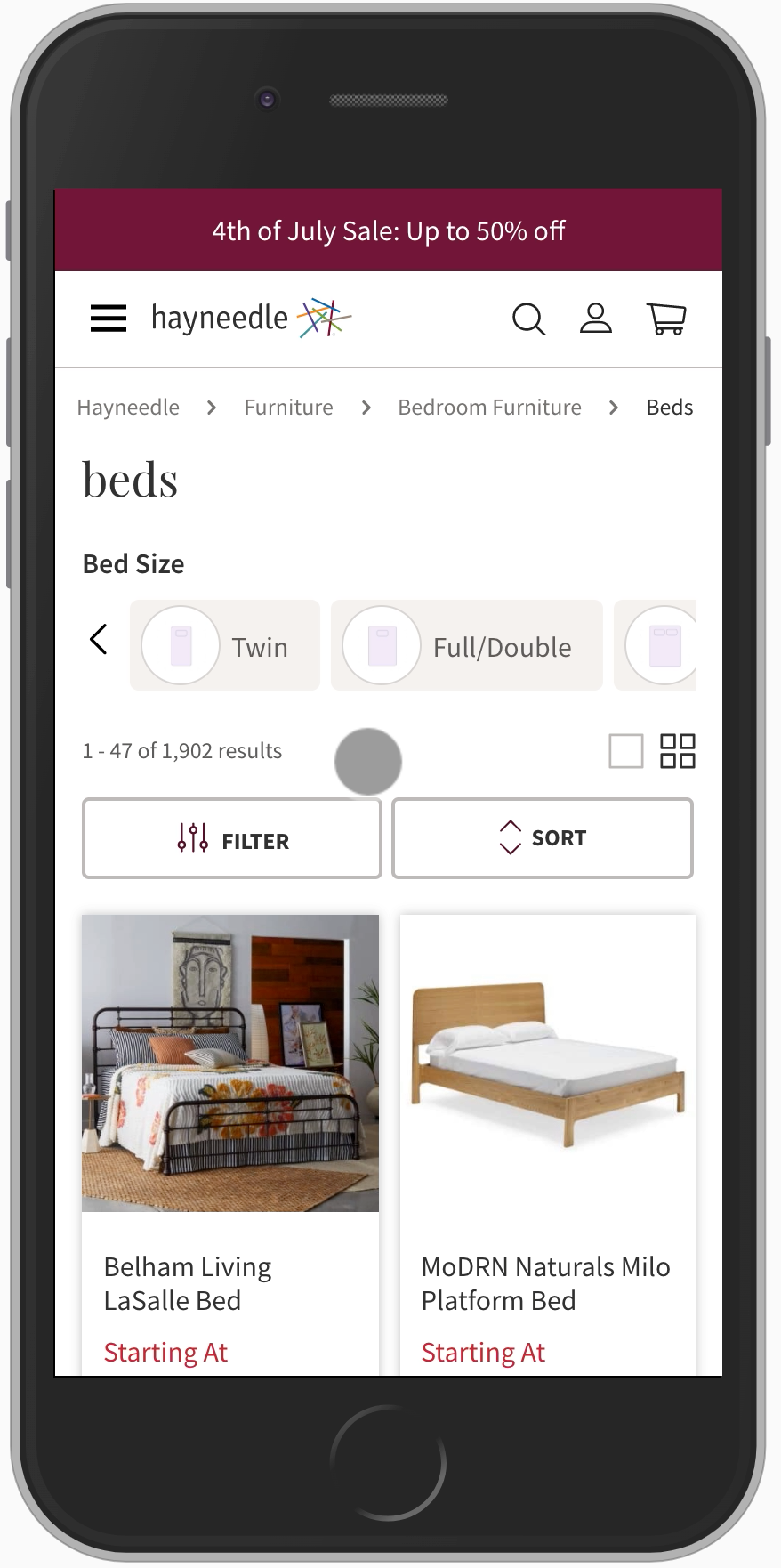

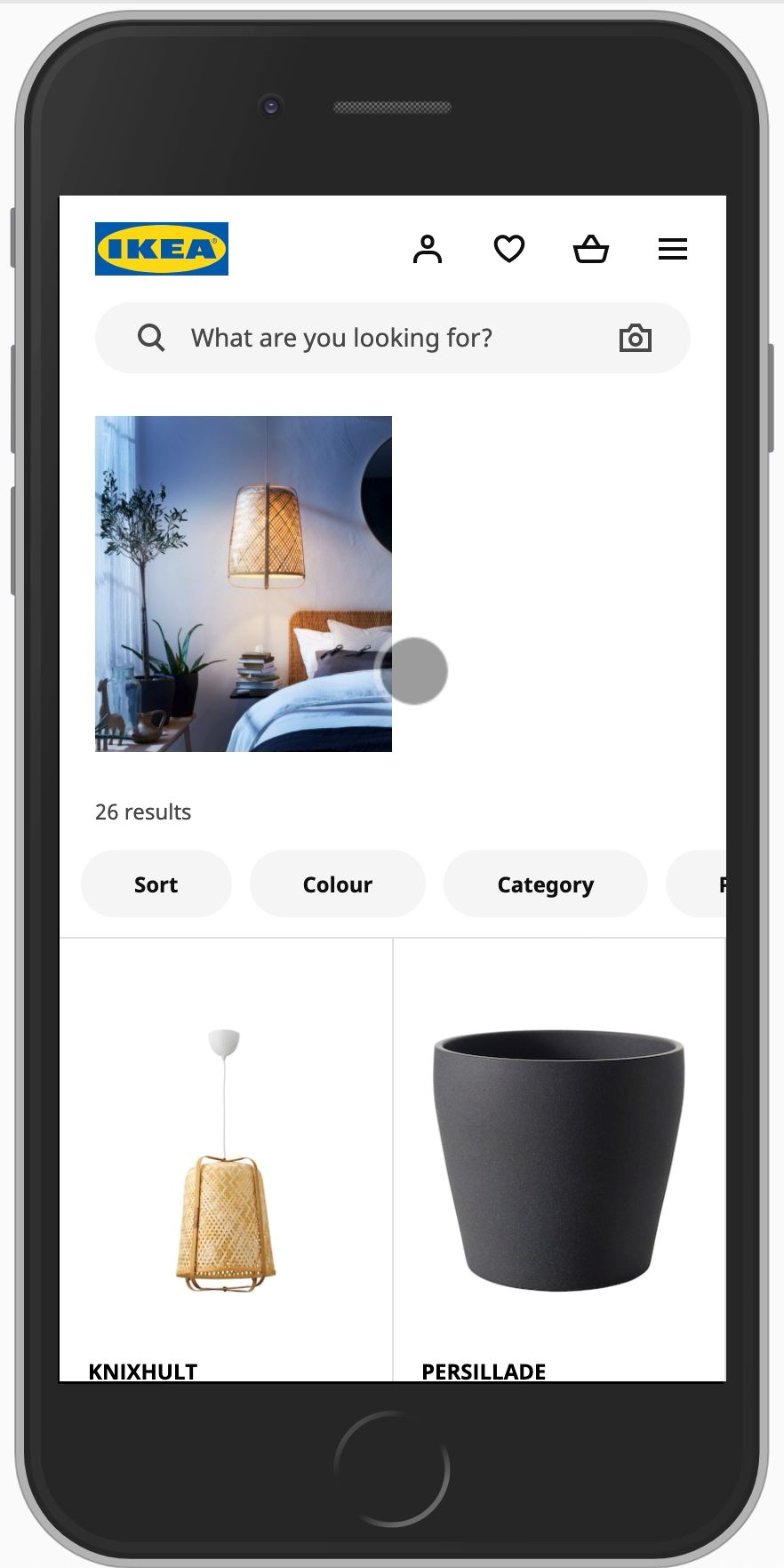
Learning Objective
Study the design of existing interactive web applications to identify common design patterns.
Why? Design trends change over time. What's popular today, may not be popular in a few years. Learning to identify design patterns will help you adapt to changing trends and design effective interactive web applications in the future.
Activity: Design Pattern Exploration
-
Working with your peers (2-4), study the design of the main portion of each of the provided example interactive web applications.
-
Identify common design elements and design trends among these web applications.
-
Quickly sketch a "summary" version of these common design elements and trends.
Activity: Design Pattern Summary Sketch
Working with your peers (2-4) at the board, sketch a "summary" version of the common design elements and trends you identified in the previous activity.
Label the design elements and trends you include in your sketch.
Rotate around the room (clockwise) to view the sketches created by other groups.
Discussion: Interactive Web Application Design Patterns
What are some of the common design patterns you observed across the "summary" sketches created by your peers?
Let's document these...
Trending Interactive Web
Application Design Patterns
Source: Smashing Magazine
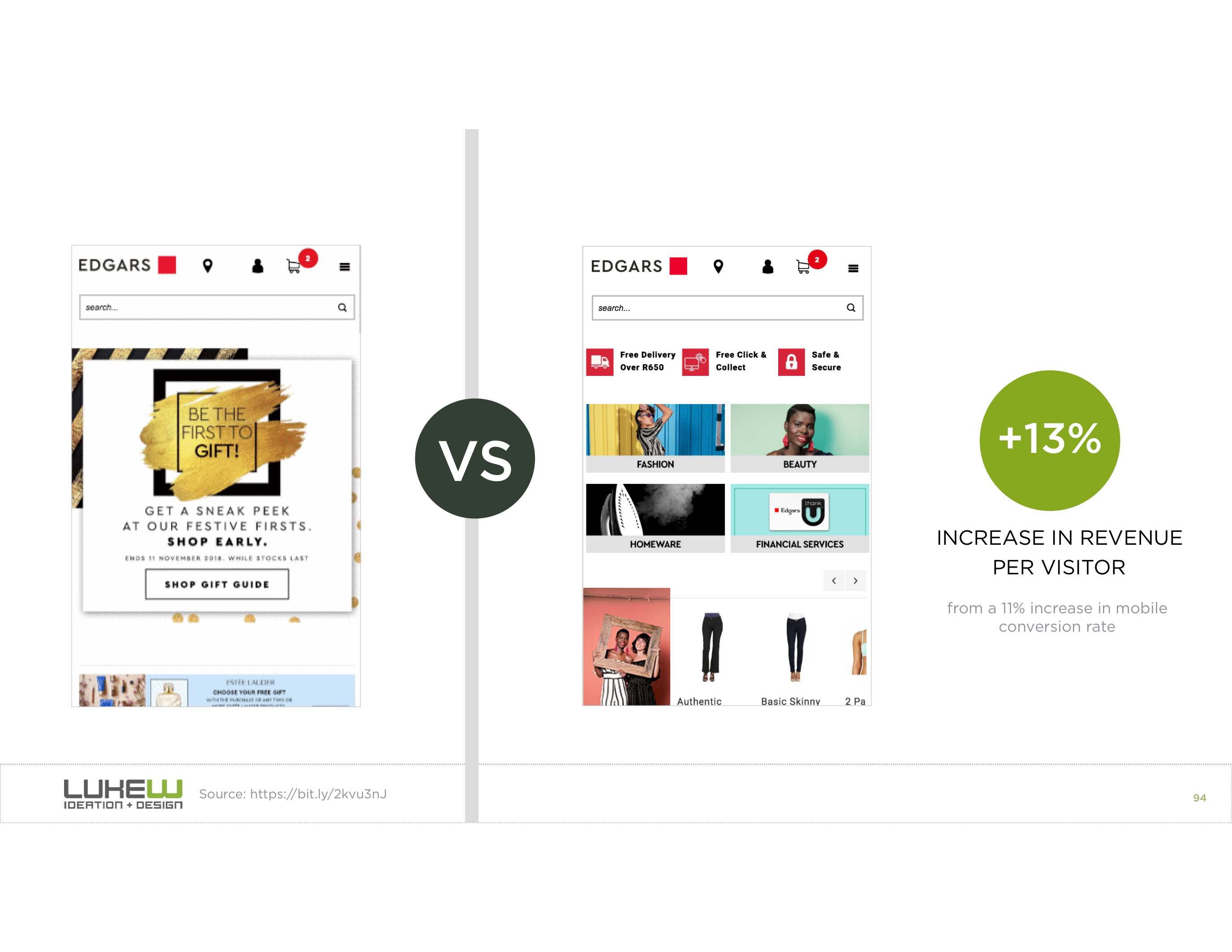
Content First
Prioritize the display of content.
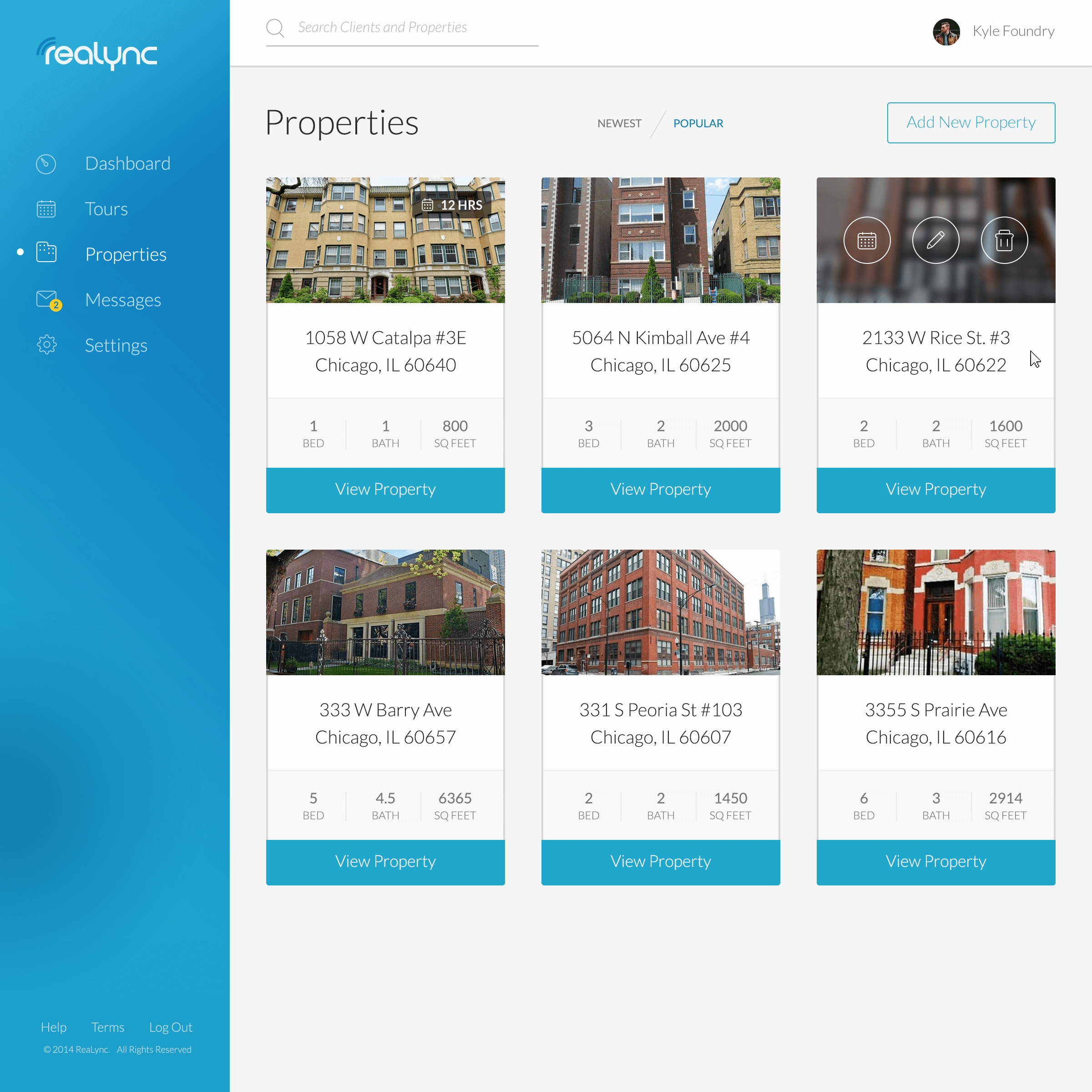
Content Organized as Cards
A user interface design pattern of organizing content into visually distinct units.
Card: A visually distinct unit that groups related information and actions.
Each card serves as an entry point for further interaction or information.
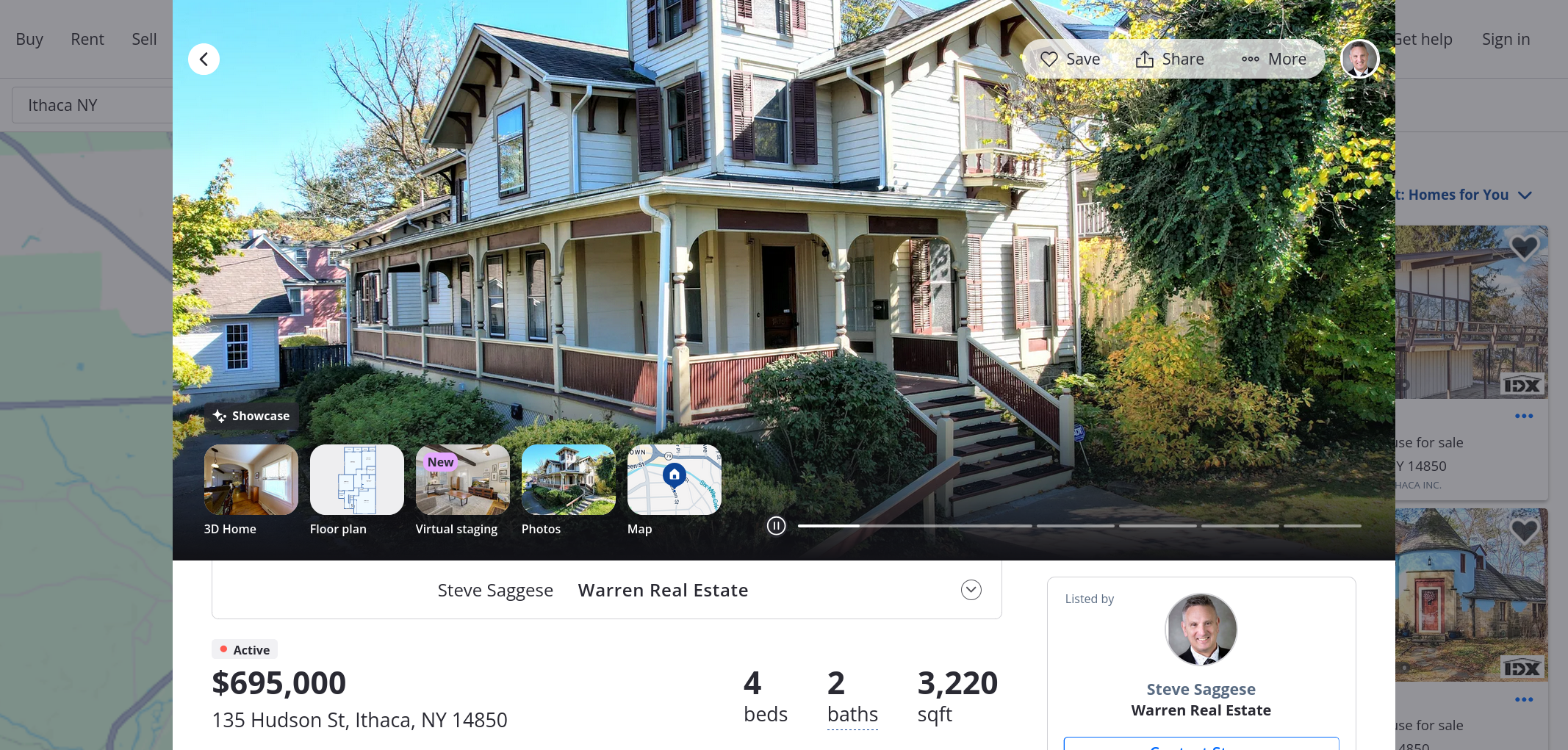
Modal
Modal: A dialog box that appears on top of the main content, typically used to display additional information or prompt user actions without navigating away from the current page.
Support users in accessing additional information or performing actions without leaving the current page.
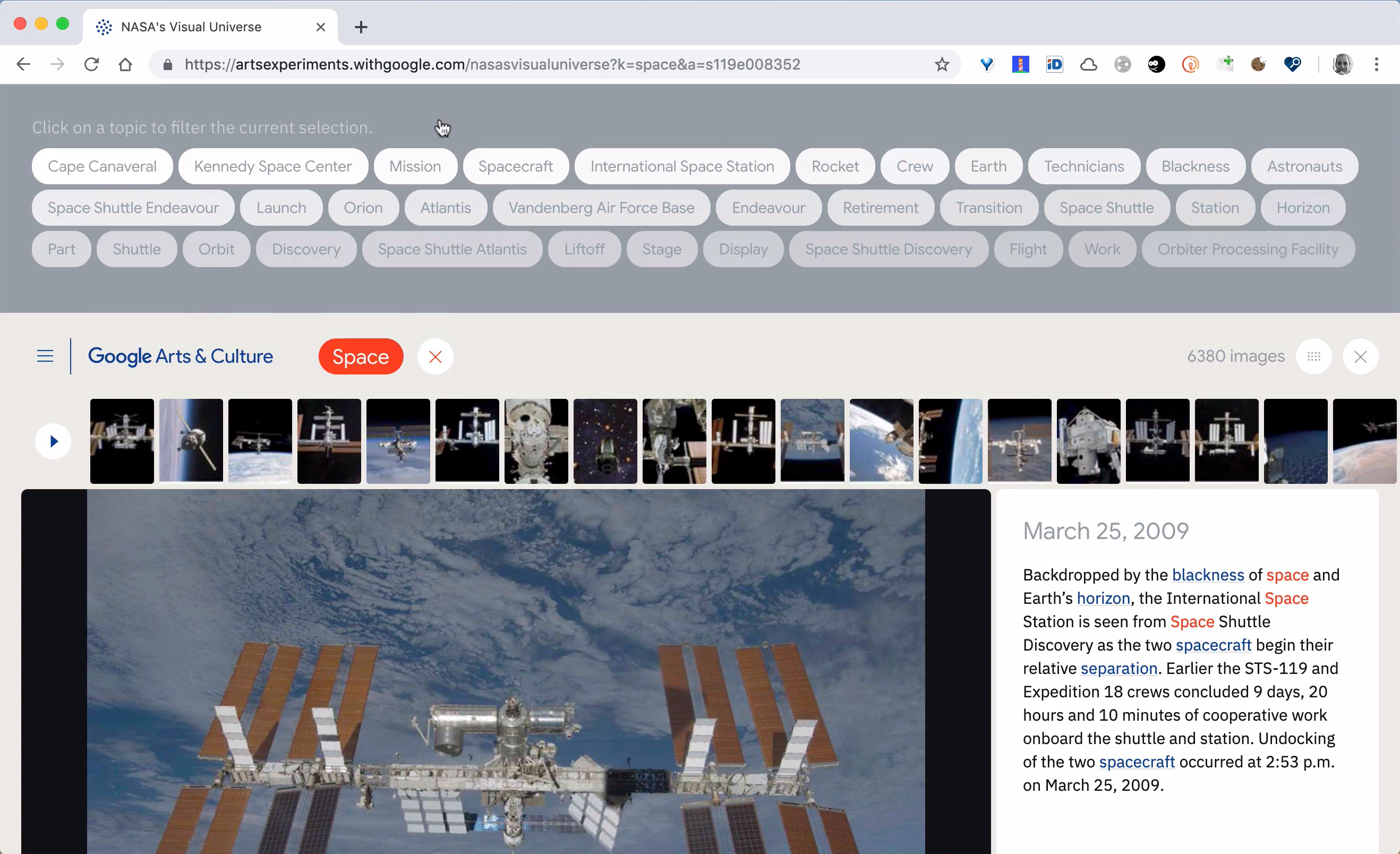
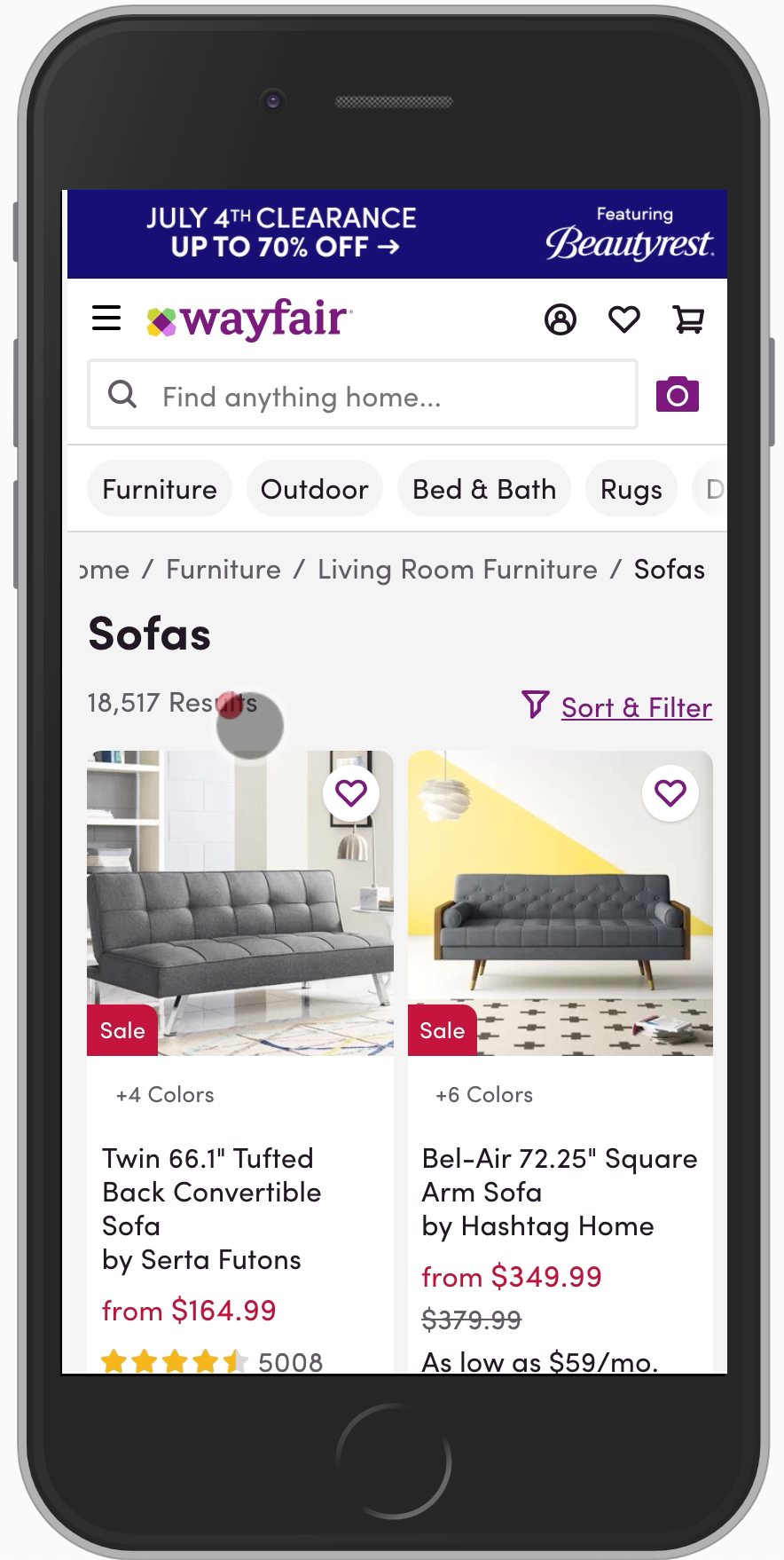
Filter Chips
Chip: A small block of information that represents a filter, attribute, or action.
Support users in filtering or refining displayed content using small blocks of information.
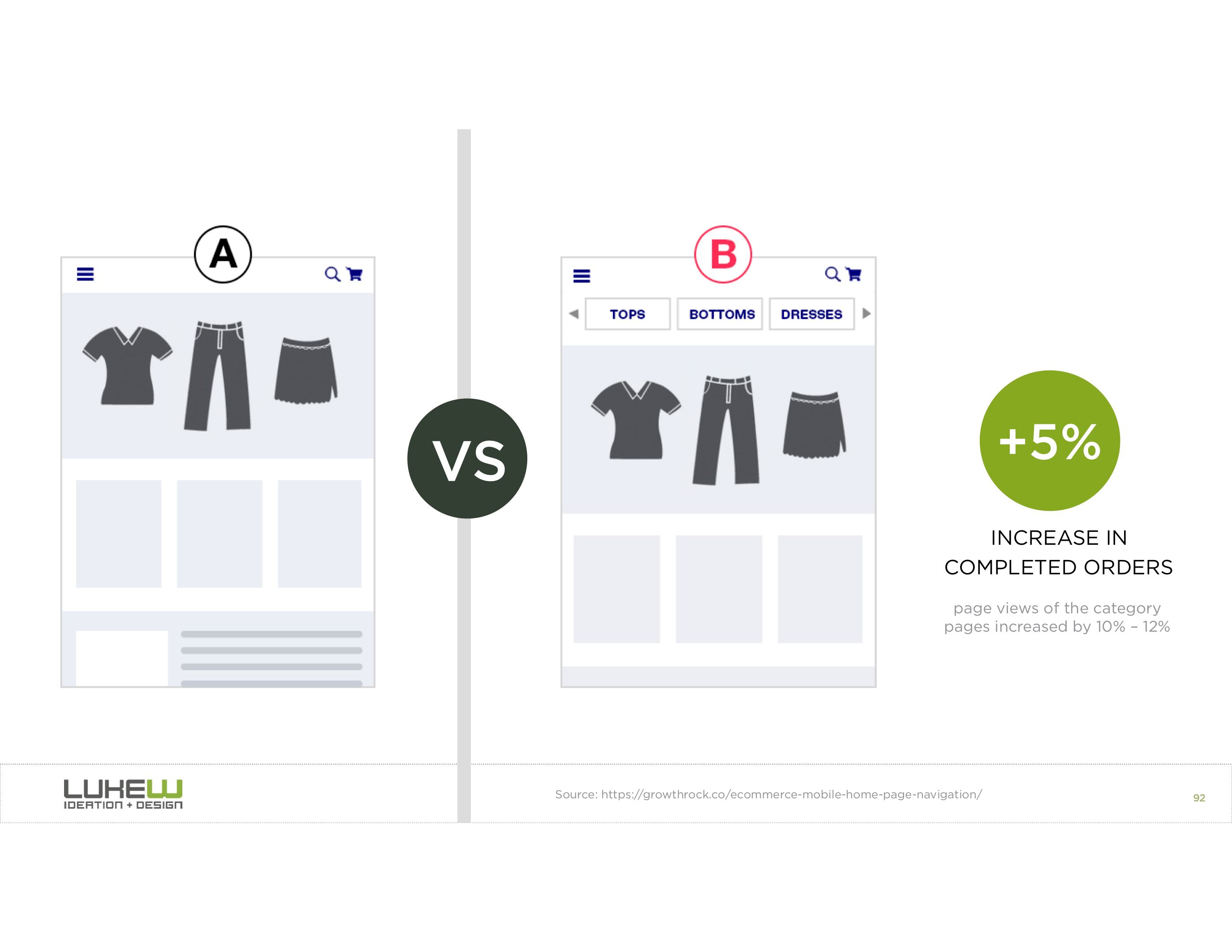
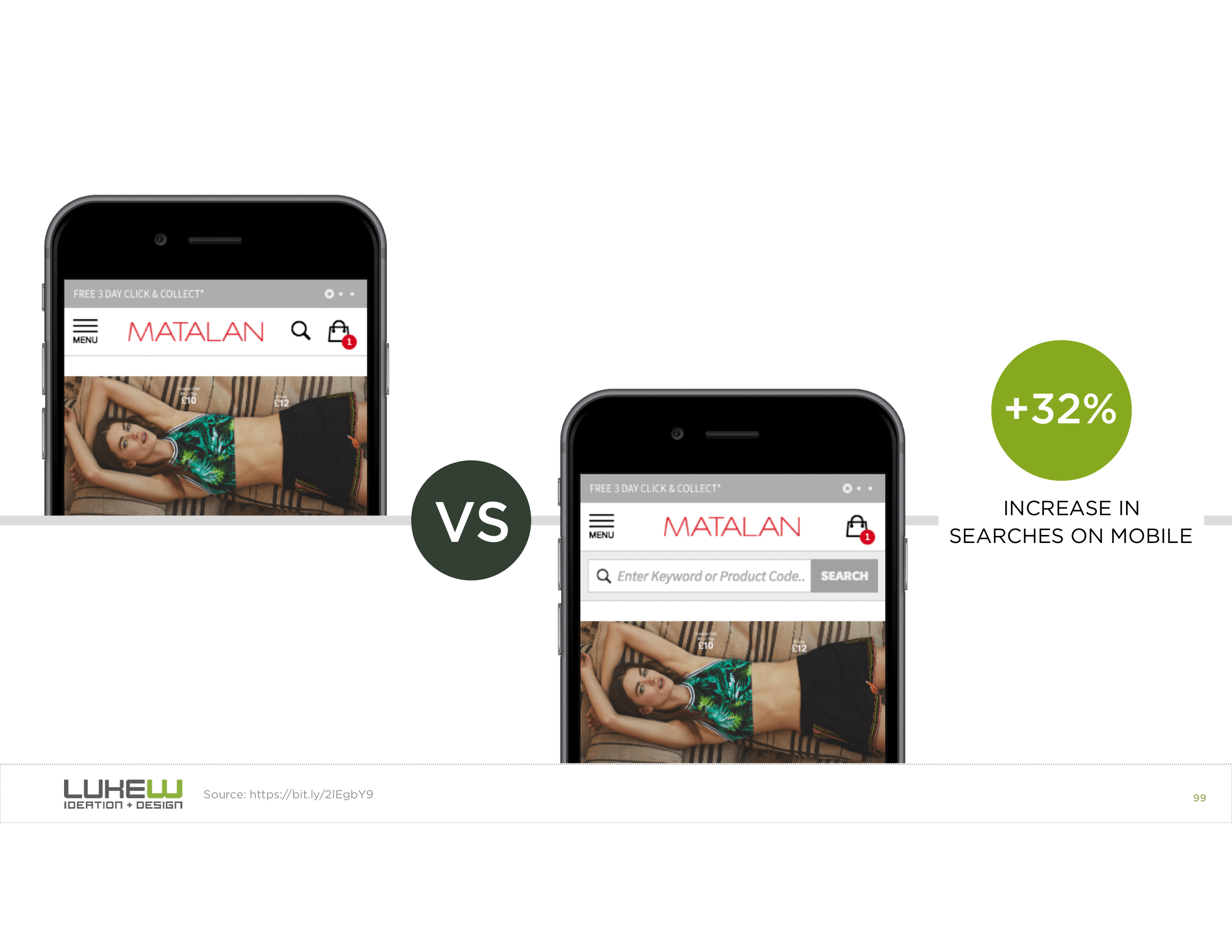
Visible Search Bar
Search Bar: An input field that allows users to enter keywords or phrases to find specific content.
Support users in finding specific content by entering keywords or phrases.
Skeleton
Skeleton: A placeholder element that mimics the layout of the actual content while it is loading. Frequently animated.
Support users in understanding the structure of the content and reduce perceived loading time.

Activity: Community Events Design
Working with your peers (2-4), sketch a design for the Project 2's community events single-page application that incorporates the design patterns we discussed today.
- Content first
- Content organized as cards
- Modal dialogs for additional information and actions
- Filter chips for filtering and refining displayed content
- Visible search bar for finding specific content
- Skeletons for loading content
Design Principles
Source: Smashing Magazine
Key Design Principles
Structure: Group related pieces of information
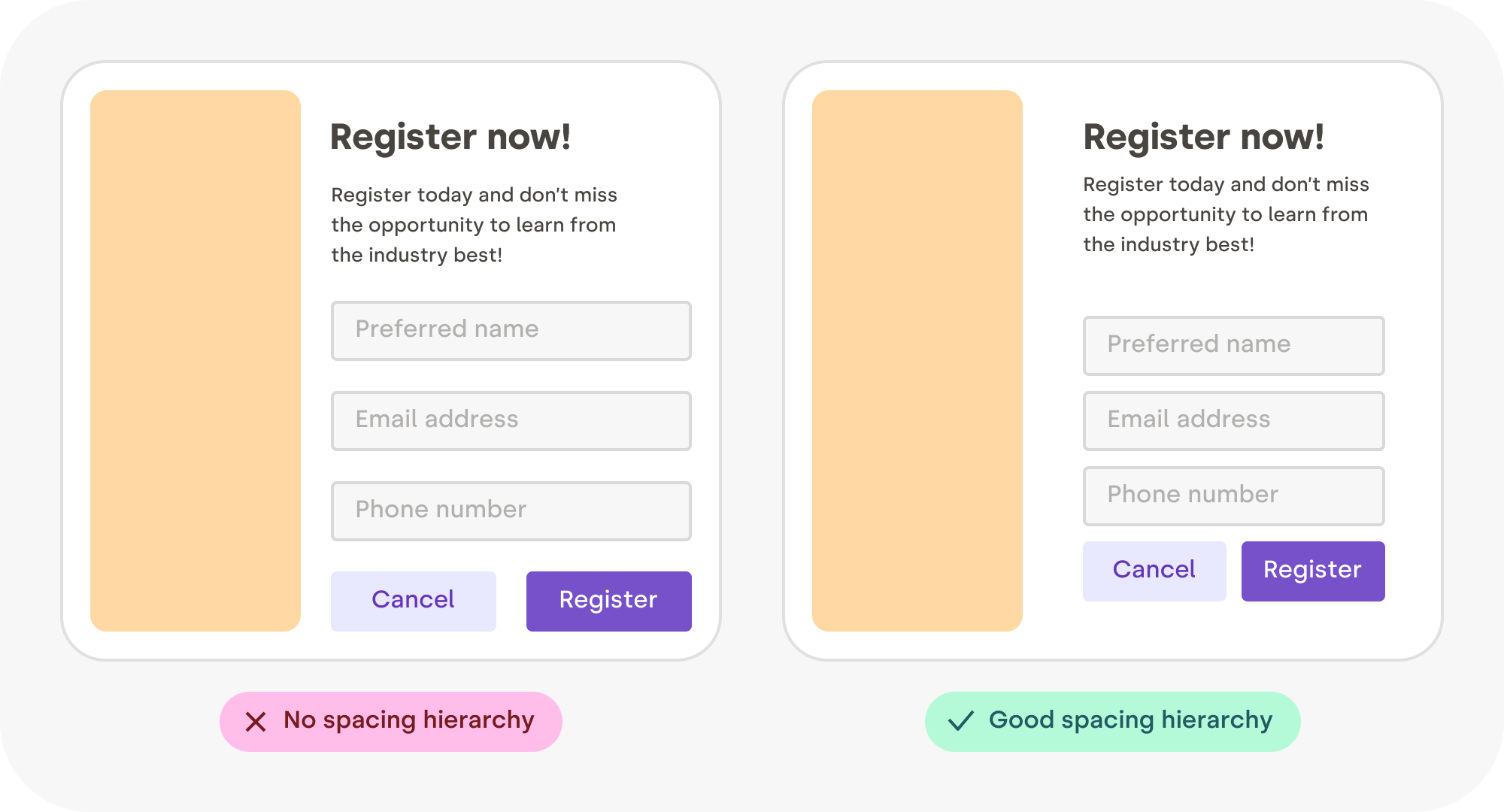
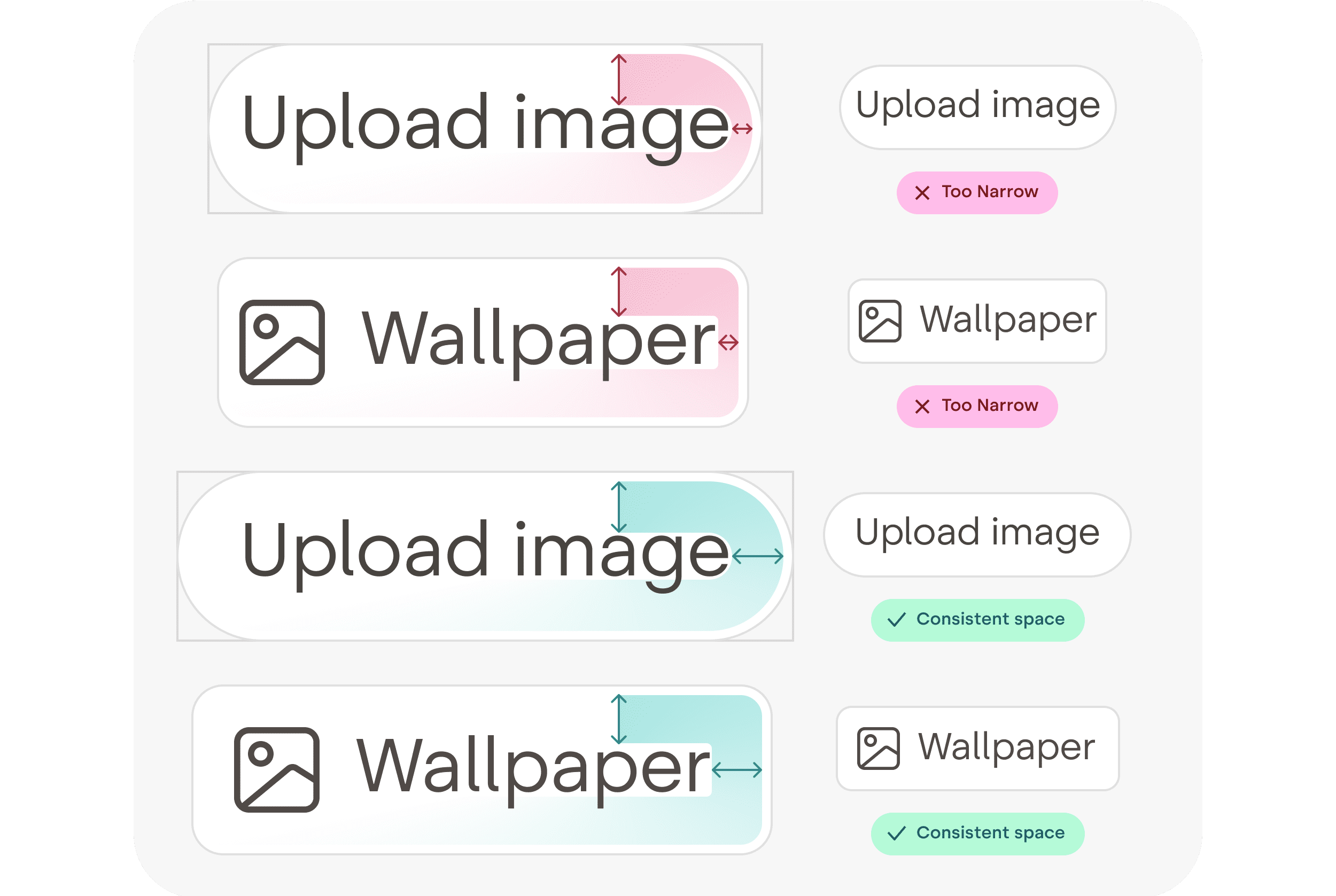
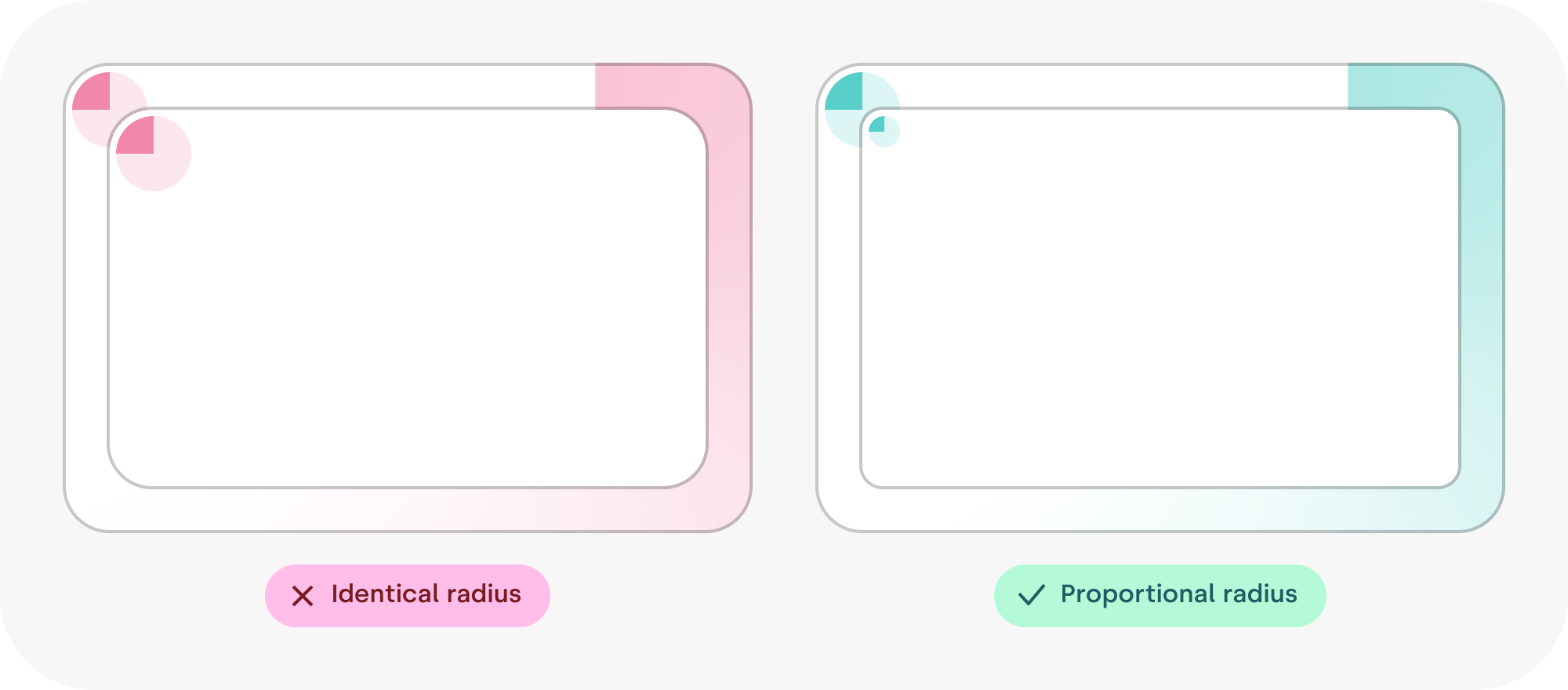
Spacing: Define clear relationships between pieces of information
Rhythm: Create a visual flow that guides the user through the content.
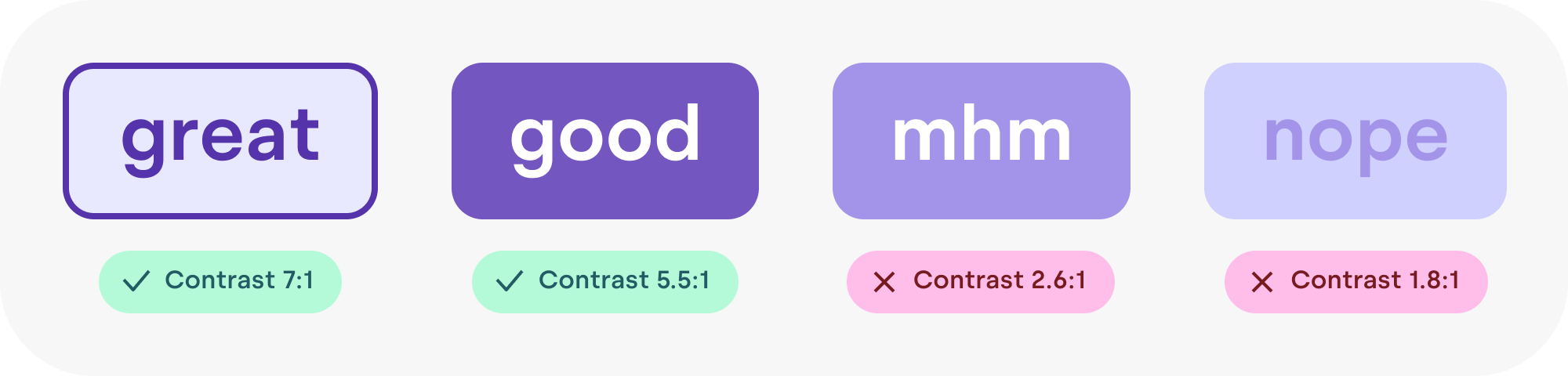
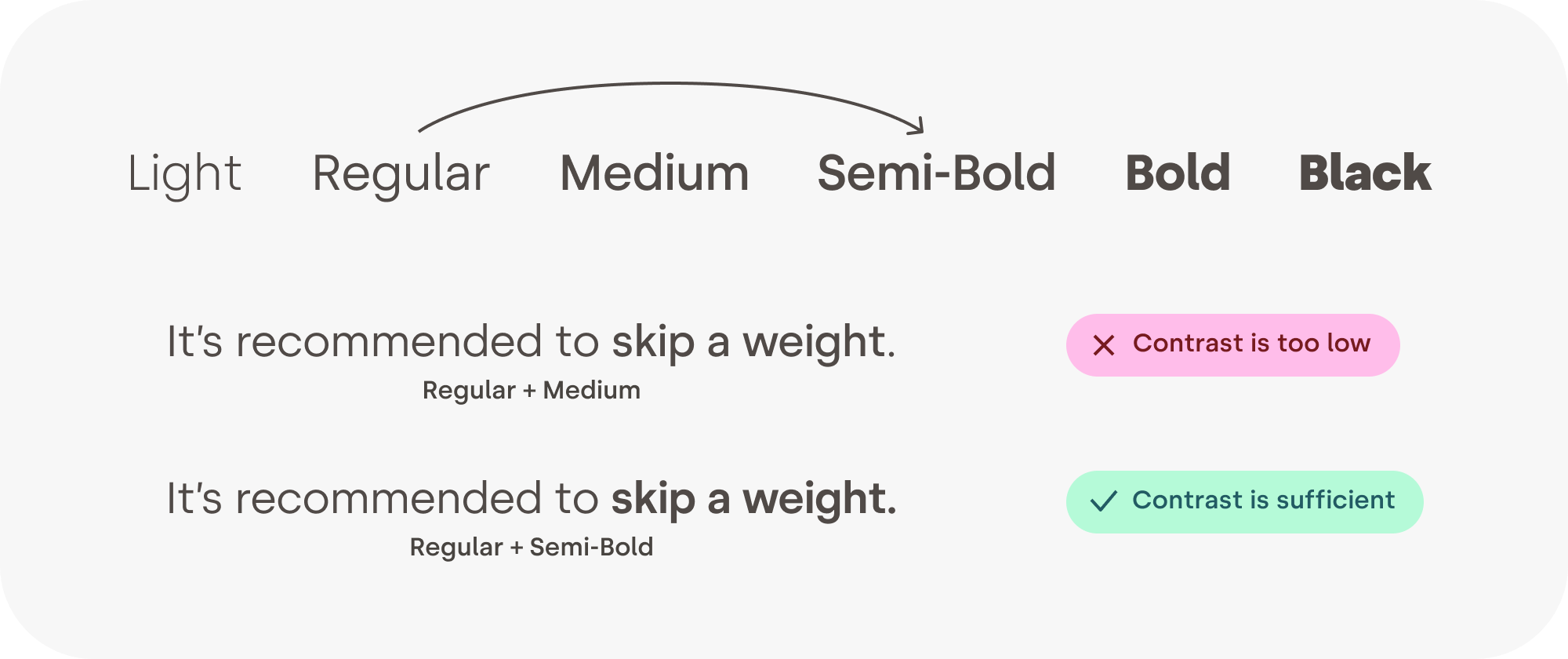
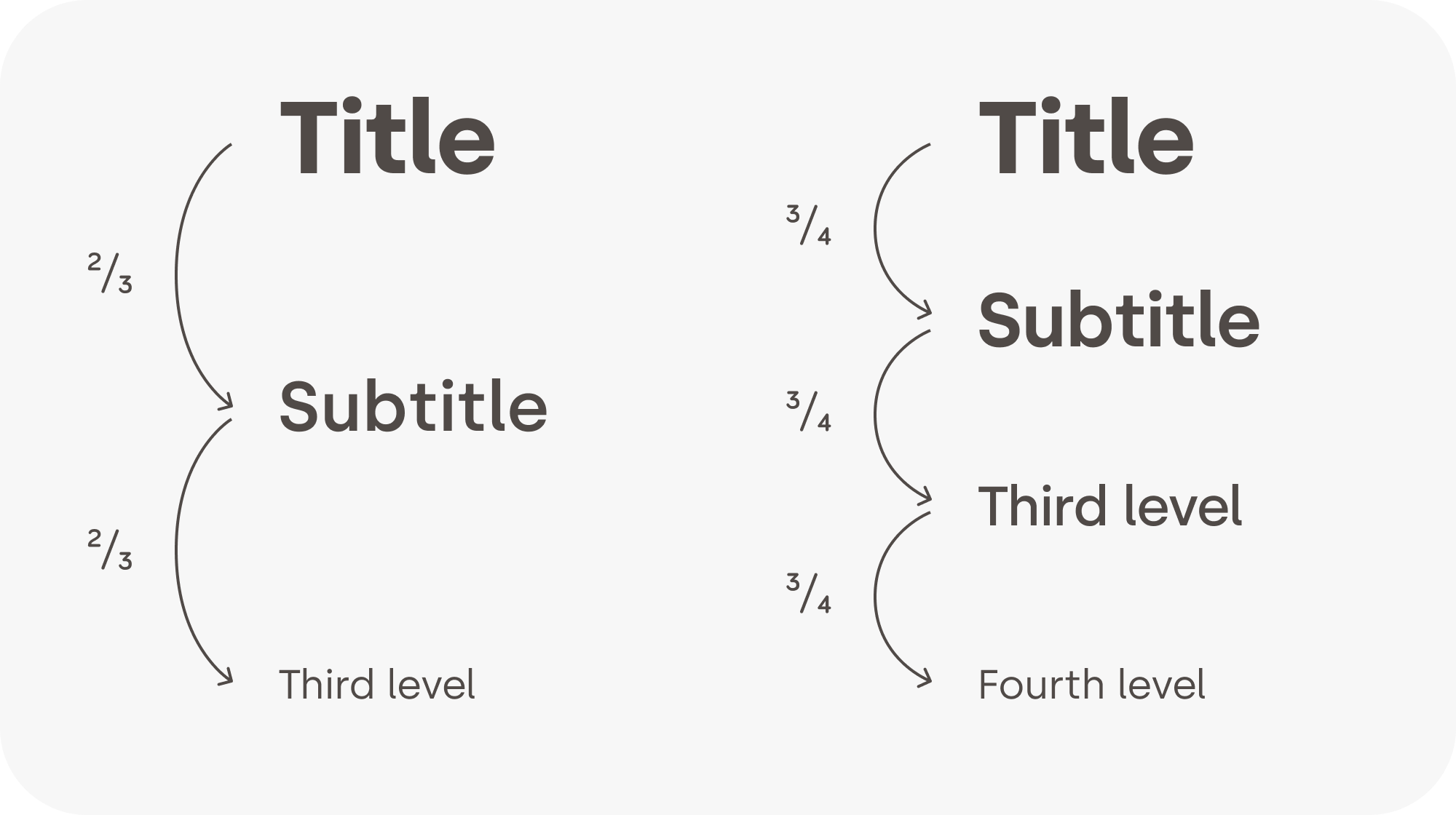
Contrast: Differences attract attention, create hierarchy, enhance readability, and evoke emotions.
Example: Structure

Example: Spacing
Example: Spacing -- Text in a Box
Example: Spacing -- Nested Boxes
Example: Rhythm -- Design System
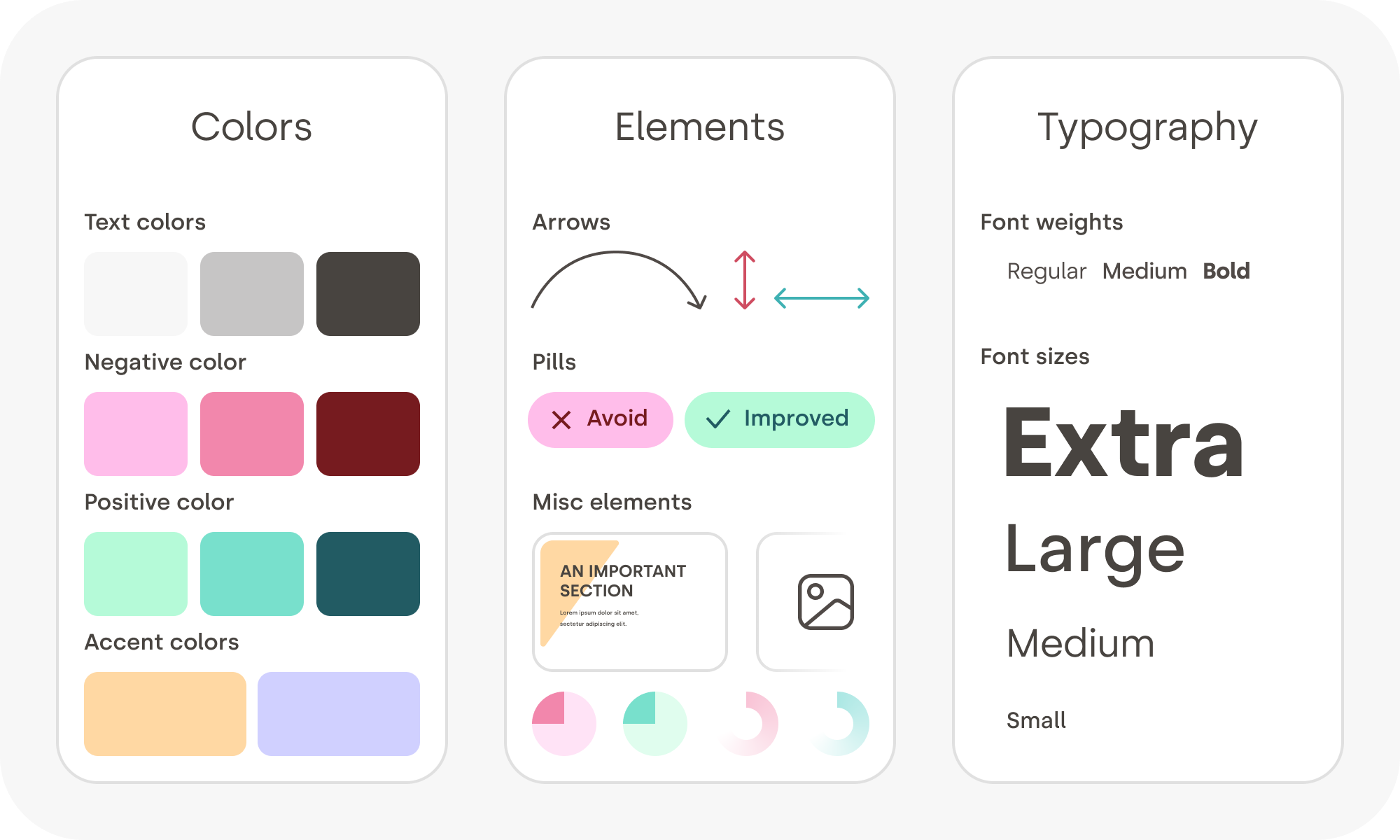
Example: Contrast
Example: Contrast -- Skip a Weight
Example: Contrast + Hierarchy
Activity: Revise Events Design
Working with your peers (2-4), revise your design for the Project 2's community events single-page application to incorporate the design principles we just discussed.
- Structure
- Spacing
- Rhythm
- Contrast
Summary
Summary
- Design patterns are recurring, reusable solutions that can be applied to solve design problems.
- Design trends change over time. Learning to identify design patterns will help you adapt to changing trends.
- Today, interactive web applications frequently leverage cards, modals, filter chips, visible search bars, and skeletons.
- Key design principles include structure, spacing, rhythm, and contrast.
What's Next
Today: Project 2, Milestone 1 Due
Next Class: Utility First CSS Frameworks
Wednesday: Project 2, Milestone 2 Released
Friday: Practice Problem Workshop